
Edit Team Name
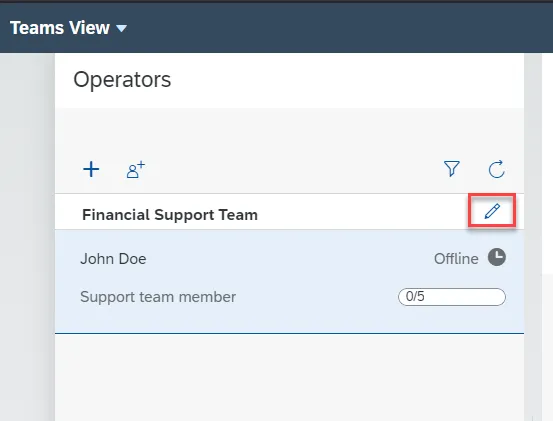
Step 1. To edit the team name, press the Pencil icon:
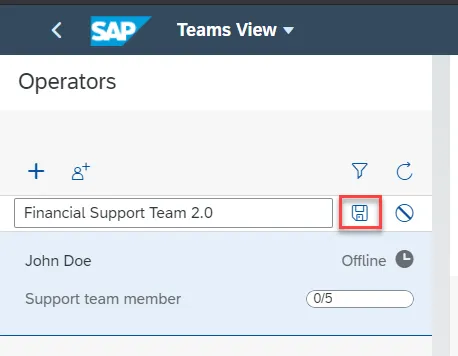
Step 2. Update the team name and click the Save icon:
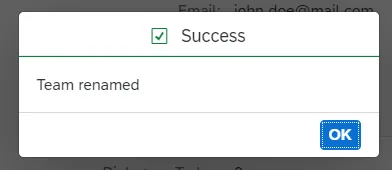
Step 3. The team is successfully renamed:
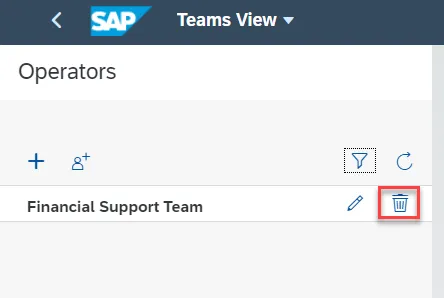
Step 1. To delete the team, click the Delete icon:
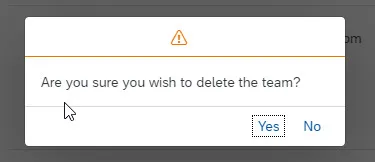
Step 2. Confirm the team deletion.