
Edit Personal Data and Profile Picture
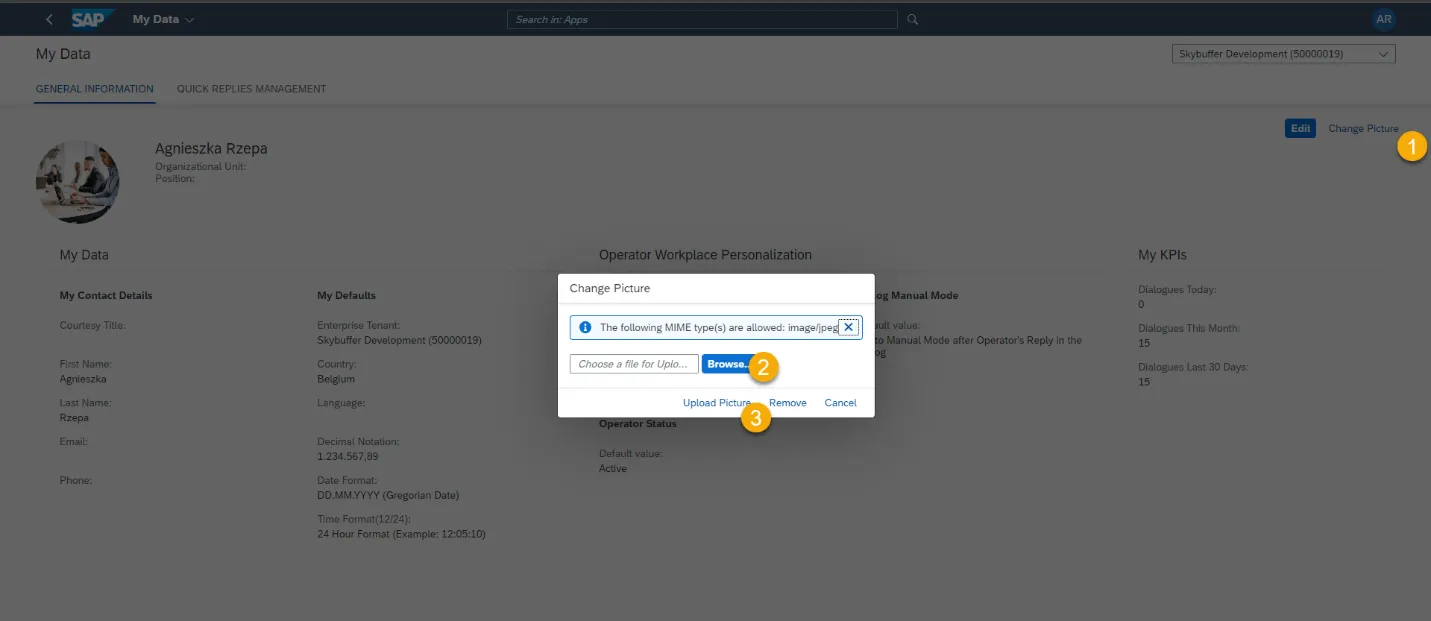
Step 1. To edit the profile photo, click the Change Picture button at the top right-hand corner of the screen page
Step 2. Browse the appropriate picture from your computer
Step 3. Confirm it by clicking the Upload Picture button
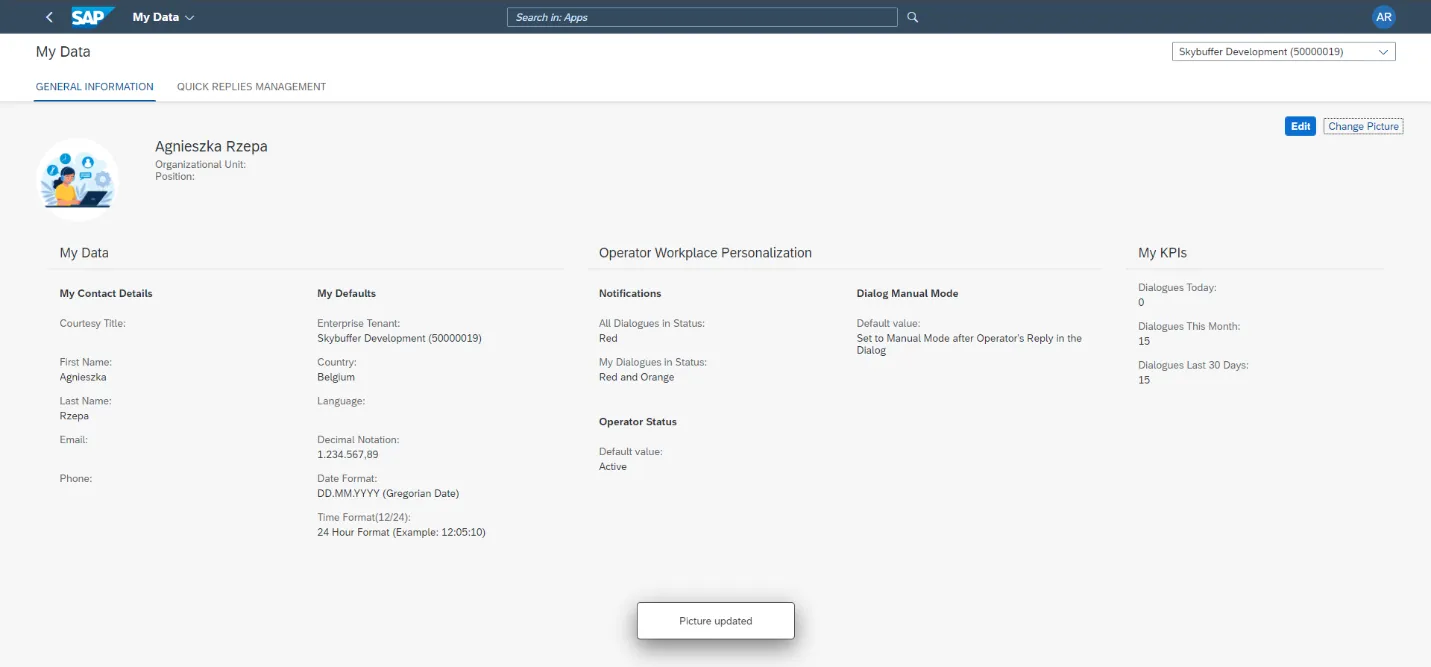
Step 4. Picture gets changed:
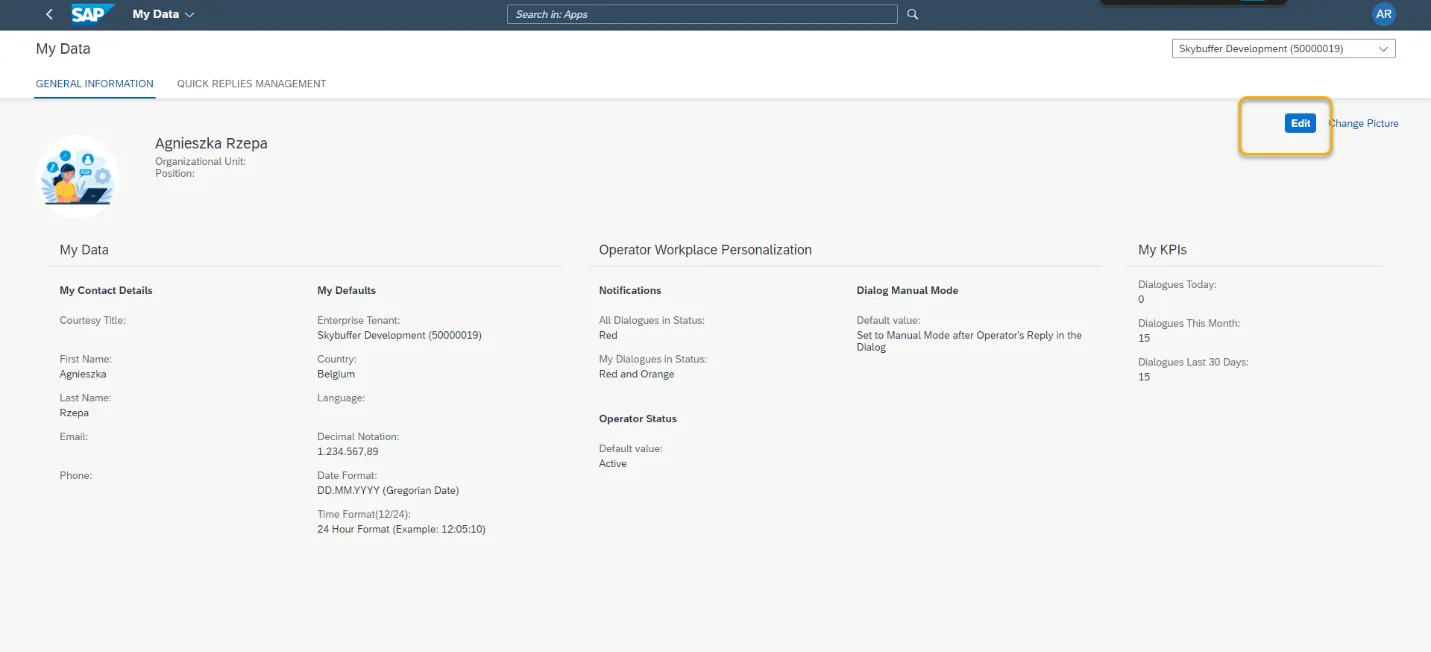
Step 5. To edit the data, click the Edit button at the top right-hand corner of the General Information tab.
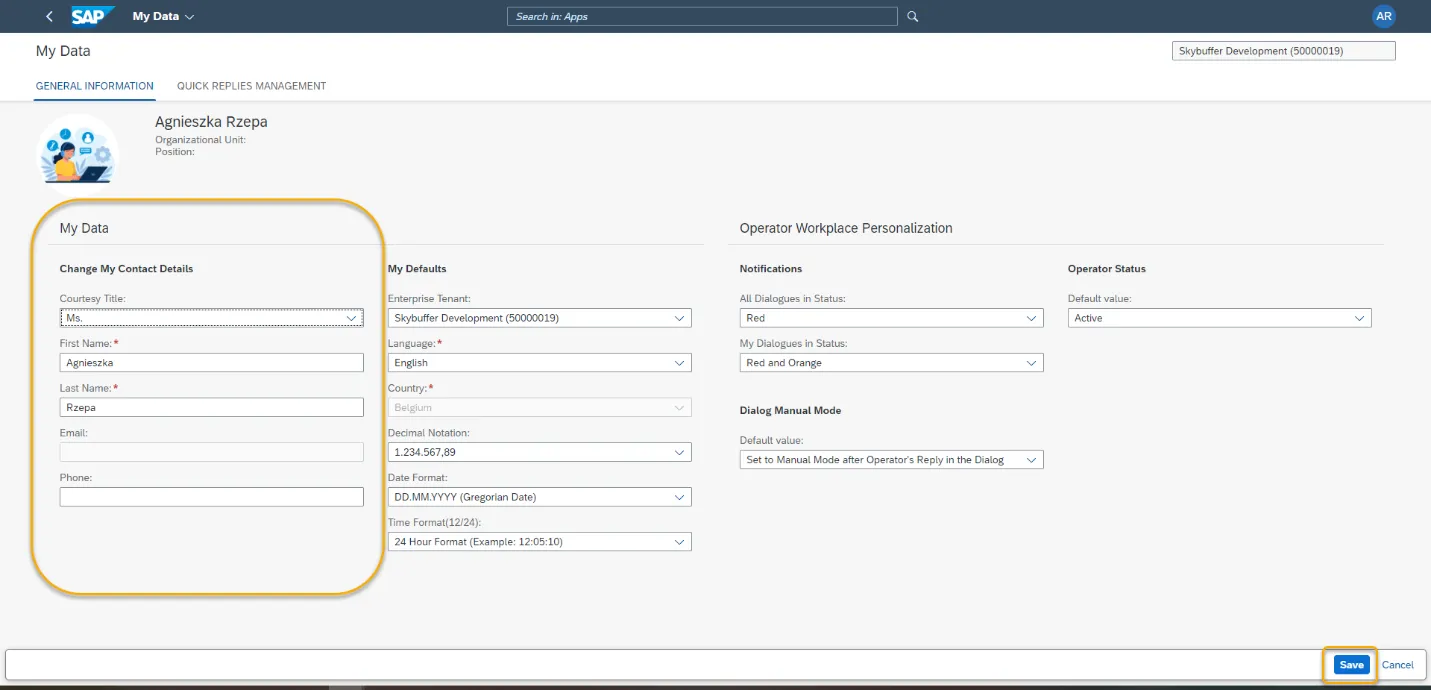
Step 6. You can change the following contact details: Title, First Name, Last Name, Phone Number.