

Default Settings Management
Step 1. To edit the default setting, click the Edit button at the top right-hand corner of the General Information tab
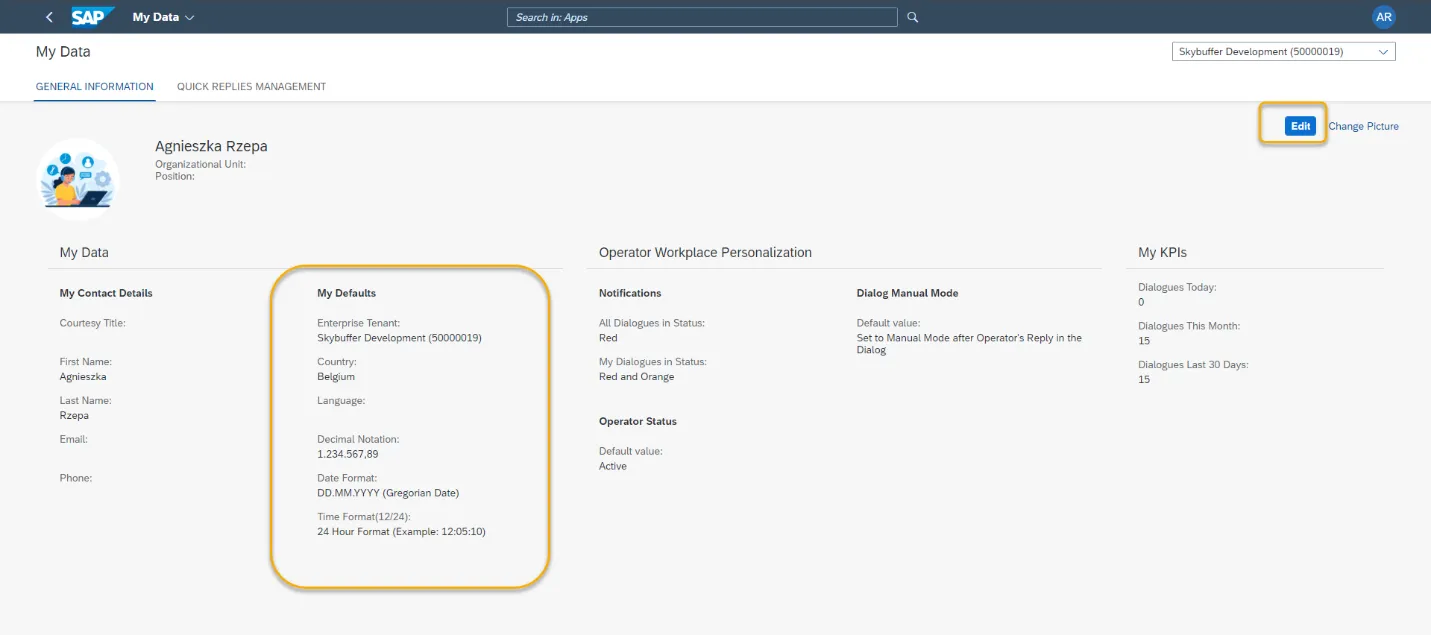
Step 2. You can change the following data to be used by default:
Enterprise Tenant – all applications will open with this tenant selected
Language
Country
Decimal notation
Date format
Time format
Step 3. Save your changes.